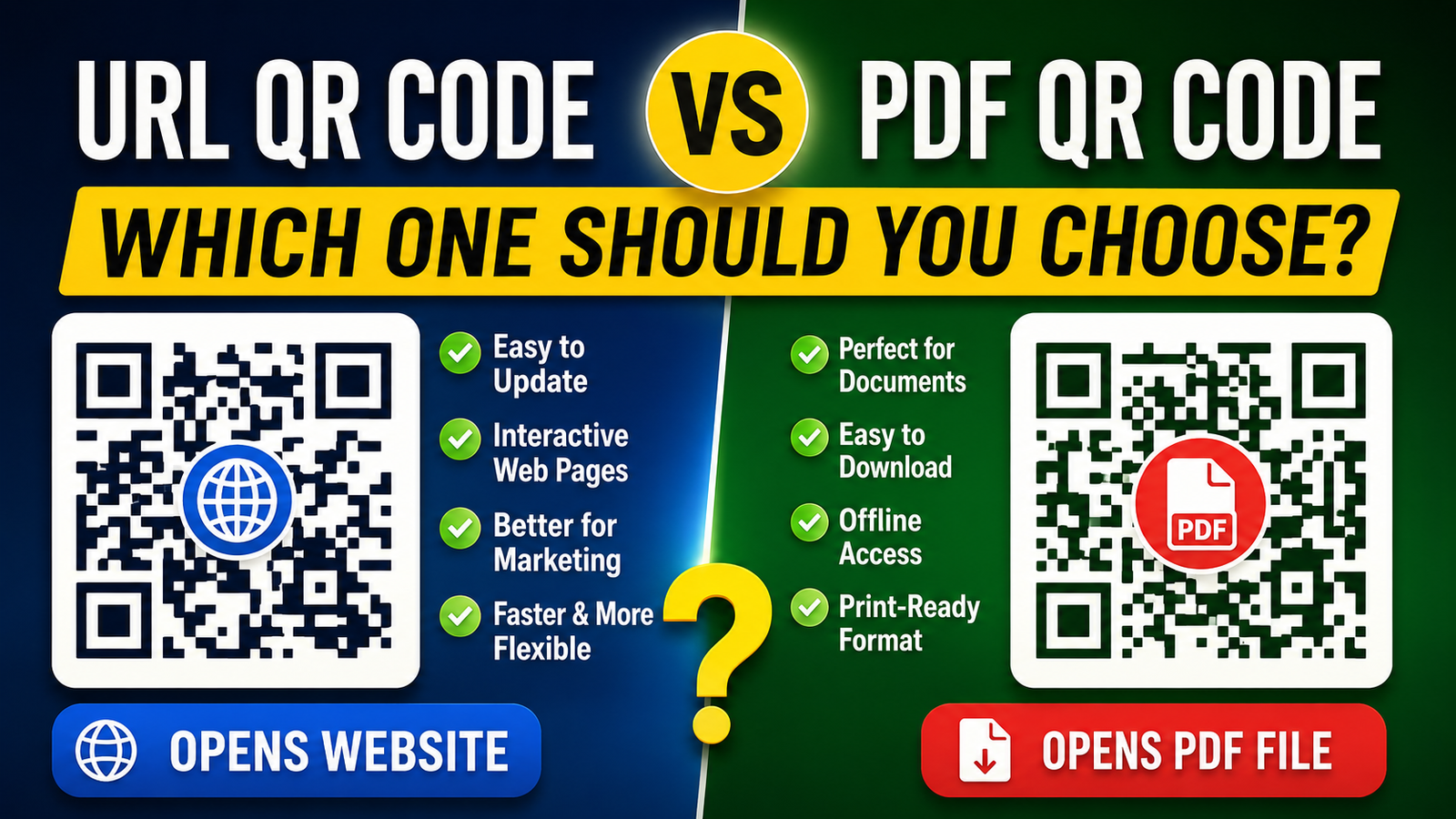
QR codes have become part of everyday life. You'll find them on restaurant tables, business cards, product packaging, posters, classroom handouts, invoices, and even shipping boxes. A quick scan with a smartphone opens digital content in seconds.
One question comes up often: should you create a URL QR code or a PDF QR code?
The answer depends on what people need after scanning. Sometimes a website is the better destination. Other times, a PDF document makes more sense. Picking the right format creates a smoother experience and helps visitors find information without extra steps.
This guide explains when a URL QR code is the better choice, when a PDF QR code fits the job, and what you should consider before generating either one.
Understanding the difference
Although both QR codes look almost identical, they send users to different destinations.
A URL QR code opens a webpage in the device's browser. That webpage could be a homepage, blog article, online store, booking page, portfolio, restaurant menu, customer support page, or almost any public website.
A PDF QR code opens a PDF document. Depending on the phone and browser, users may see the document in the browser or download it automatically before reading.
The scan process is the same. The destination changes completely.
Choose a URL QR code when your content changes regularly
This is probably the biggest reason to use a URL QR code.
Websites can be updated whenever you want. If information changes next week or next month, visitors automatically see the latest version without scanning a new QR code.
Imagine a restaurant that changes its lunch specials every Friday. Printing a new PDF each week quickly becomes frustrating. Updating a webpage takes only a few minutes, while the QR code stays exactly the same.
The same idea works for:
- Company announcements
- Product prices
- Service packages
- Business hours
- Seasonal promotions
- Course schedules
- Conference agendas
- Community events
If information changes often, a URL QR code usually saves both time and effort.
Choose a URL QR code for business websites
Businesses rarely want customers to stop after reading one document.
Most companies want visitors to browse products, submit an inquiry, book an appointment, call the office, read reviews, or make a purchase.
A website makes all of those actions possible from one place.
For example, a real estate agency can place a URL QR code on property signs. After scanning, buyers can view photo galleries, floor plans, nearby schools, pricing updates, and contact details on one webpage.
A PDF can display information, but it cannot match the flexibility of a complete website.
Choose a URL QR code for marketing campaigns
Marketing campaigns change frequently.
A clothing store might advertise summer discounts in June, back-to-school sales in August, and holiday promotions in December. One webpage can be updated throughout the year while the printed QR code remains unchanged.
This is especially useful for:
- Flyers
- Product packaging
- Magazine advertisements
- Store displays
- Business brochures
- Billboards
- Trade show banners
People scan the same QR code, but the webpage always reflects the latest campaign.
Choose a URL QR code when you want users to take action
Most websites include buttons, forms, navigation menus, videos, and interactive content.
After scanning, visitors can:
- Register for an event.
- Book an appointment.
- Place an order.
- Send a message.
- Subscribe to a newsletter.
- Download an app.
- Watch a tutorial.
- Read related articles.
A PDF mainly focuses on reading. Websites allow people to continue interacting after they arrive.
Choose a URL QR code for mobile users
Most QR codes are scanned using smartphones.
Modern websites automatically adjust to different screen sizes. Text scales correctly, buttons stay easy to tap, and navigation feels familiar.
Large PDF documents sometimes require zooming, scrolling sideways, or downloading before users can comfortably read them.
If your audience mainly uses phones, a mobile-friendly webpage usually provides the better experience.
Choose a URL QR code for faster loading
File size matters.
A simple webpage often loads faster than a large PDF containing dozens of images or several pages of content.
This becomes more noticeable when someone scans your QR code using a slower mobile connection.
Quick loading reduces waiting time and helps users reach the information they need almost immediately.
Choose a URL QR code for search visibility
Search engines index webpages much more effectively than standalone PDF files.
If your QR code sends visitors to a useful article or landing page, that page may also receive traffic from search engines over time.
This creates another way for people to discover your content without scanning the QR code.
A PDF can appear in search results, but websites generally give you more flexibility for search visibility, internal links, navigation, and content updates.
Choose a URL QR code when you publish blog articles
Blog posts work best as webpages.
Readers can continue exploring related articles, browse categories, leave comments if enabled, or move between different topics.
If you publish educational content, tutorials, news, or product guides, linking directly to the article usually creates a better reading experience than placing the same content inside a PDF.
Choose a URL QR code for customer support
Customer support information changes over time.
You may add new frequently asked questions, update troubleshooting steps, publish software downloads, or include new contact methods.
Keeping everything on a website allows customers to access the latest information every time they scan.
When a PDF QR code makes more sense
PDF QR codes still have many practical uses.
Some documents need to remain unchanged after distribution.
Good examples include:
- Instruction manuals
- User guides
- Academic lecture notes
- Official certificates
- Legal agreements
- Warranty documents
- Printable forms
- Research papers
- Company policies
- Technical documentation
People often download these files and keep them for future reference.
Think about how people will use the information
Before creating a QR code, ask yourself a few practical questions.
- Will the information change?
- Does the user need to download the content?
- Will people interact with the page?
- Will visitors return later?
- Do users need forms or buttons?
- Is the content several printable pages?
Your answers usually make the decision much easier.
Real-world examples
Restaurant
A restaurant updates menu prices every few months and introduces seasonal dishes.
A URL QR code works well because the menu page can be edited without printing new table cards.
University
A professor wants students to download lecture notes that should remain exactly the same throughout the semester.
A PDF QR code is a practical choice.
Retail store
A clothing brand prints QR codes on shopping bags that lead customers to new arrivals, loyalty rewards, and ongoing promotions.
A URL QR code gives the marketing team complete flexibility.
Electronics manufacturer
The company places QR codes inside product boxes that open a detailed instruction manual.
A PDF QR code works well because customers may want to save the manual for future use.
Comparison table
| Situation | Better Choice | Reason |
|---|---|---|
| Company website | URL QR Code | Visitors can browse multiple pages. |
| Online booking | URL QR Code | Supports forms and appointments. |
| Restaurant menu | URL QR Code | Easy to update prices and dishes. |
| Blog article | URL QR Code | Readers can continue exploring related content. |
| Instruction manual | PDF QR Code | Users often save it for later. |
| Printable brochure | PDF QR Code | Formatting stays consistent. |
| Legal document | PDF QR Code | The document should remain unchanged. |
| Course notes | PDF QR Code | Students can download and print the file. |
Common mistakes to avoid
Some people upload a PDF simply because it's easier than creating a webpage. That decision can create unnecessary friction for users.
If the content includes clickable buttons, videos, forms, or several related pages, a website usually works better.
Another common mistake is placing frequently updated information inside a PDF. Every change requires creating a new document and uploading it again.
Think about maintenance before printing thousands of QR codes.
Final thoughts
A URL QR code is usually the right choice when you want visitors to access a website, browse multiple pages, complete forms, make purchases, read updated information, or interact with your content. Businesses, bloggers, educators, online stores, restaurants, and service providers often benefit from this flexibility.
A PDF QR code remains useful for documents that people need to download, print, or keep unchanged over time. Manuals, research papers, certificates, and official forms fit naturally into that category.
Choosing the right destination before generating your QR code creates a better experience for every person who scans it, whether they're reading from a phone, tablet, or desktop computer.